

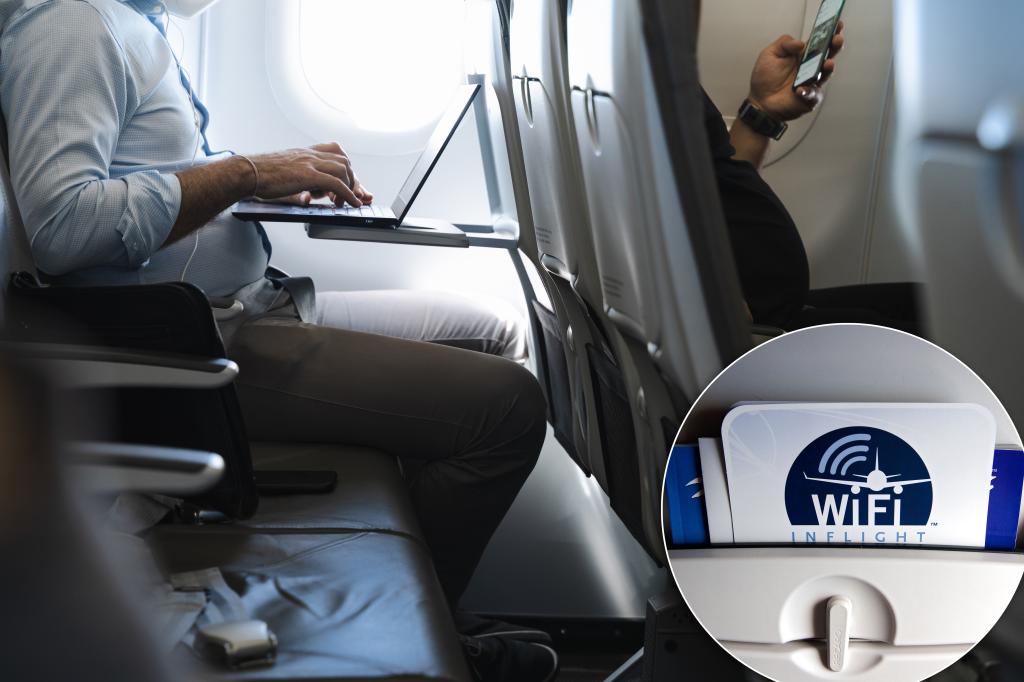
Your seat belt may be safe, but is your internet connection safe?
Connecting to free Wi-Fi at 30,000 feet seems safe and easy because everyone is using it, but travelers need to think about how secure their connection actually is and start considering VPNs and other security risks.
The Australian Federal Police (AFP) recently charged a man with “setting up fake free Wi-Fi access points that mimicked legitimate networks and then stealing personal data from unsuspecting victims who accidentally connected to them.”

A 42-year-old man encountered an “Evil Twin” WiFi network on a plane while flying.
When the passenger tried to connect to the plane’s Wi-Fi, he was “directed to a fake web page asking him to sign in using his email and social media login details, which were then allegedly saved to the man’s device,” according to AFP.
“The email and password details collected could then be used to access more personal information, such as the victim’s online communications, stored images and videos, and bank account details.”
An “Evil Twin” attack involves creating hotspots with names that are designed to trick users into connecting to them, such as the names of coffee shops, hotels, airlines, etc.
There are some simple ways to protect yourself from these types of cyber attacks, but it’s important to be cautious and aware.
“No one should have to enter personal information, such as logging in with an email or social media account, to connect to a free Wi-Fi network,” AFP Western Command cybercrime investigator Andrea Coleman said in a statement.
“If you want to use a public Wi-Fi hotspot, install a trusted Virtual Private Network (VPN) on your devices to encrypt and protect your data as you use the internet,” she continued. “When using public networks, disable file sharing, don’t perform any sensitive operations like banking transactions while connected, and change your device settings to ‘forget network’ after you’re done.”
“We also recommend turning off Wi-Fi on your phone and other electronic devices before going out in public to prevent your devices from automatically connecting to hotspots.”
