


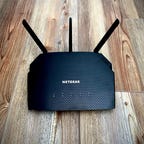
Netgear R6700AX
Best budget router for gigabit networks
Wi-Fi 7 routers are just around the corner but until they arrive, Wi-Fi 6 is the latest generation of Wi-Fi supported by your gadgets and devices. Having fast and stable internet in your home or office starts with having a good provider. Once you’ve got that sorted, you’ll need the best Wi-Fi 6 router your budget will allow. To help you equip your home with the fastest and most stable internet connection possible, we’ve rounded up the best Wi-Fi 6 router options on the market right now.
What is the best Wi-Fi 6 router overall?
Our top pick is the TP-Link Archer AX21 because it’s simple but effective. It utilizes easy-to-use app controls, offers faster performance speeds and better ranges than most other Wi-Fi 6 routers.
You can typically find a high-quality Wi-Fi 6 router for less than $100, as well as mesh systems, gaming routers and range extenders. Some do the job better than others — but that’s where we come in, with comprehensive, hands-on tests to help identify the best upgrade picks for the money.
Expect regular updates to this post as we continue to put Wi-Fi 6 to the test in 2024. Whenever we find a new router that merits consideration, we’ll add it to the list.
Best Wi-Fi 6 routers of 2024
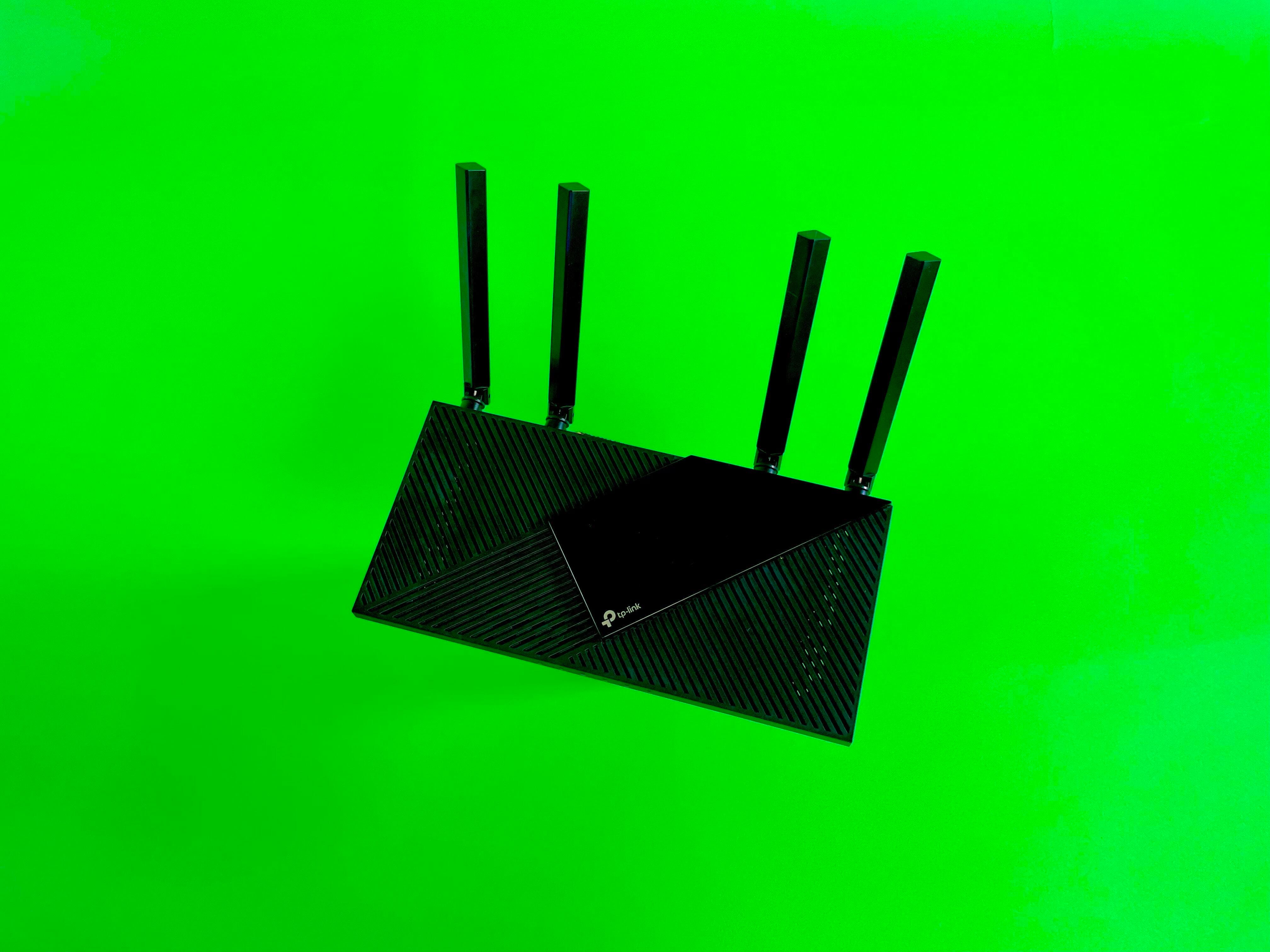
When a router supports Wi-Fi 6, it can use new features like OFDMA and 1024-QAM to deliver faster speeds of up to 1.2Gbps and lower latency to busy networks with lots of connected devices. That’s true even with the budget-priced value picks — and among those, the one that performs the best is the TP-Link Archer AX21.
The Archer AX21 did an outstanding job in my at-home speed tests. At the end of multiple days of tests across five spots in my house, the Archer AX21’s average download speed on a 300Mbps fiber network was a near-perfect 299Mbps. That includes triple-digit download speeds in the very back of my house, a common dead zone where many of the routers I test struggle to stay connected. In 2022, I retested the AX21 after upgrading my home network to gigabit speeds — it isn’t powerful enough to top out a connection like that, but it still delivered fast, consistent speeds, with my downloads averaging in at 441Mbps.
That level of performance was strong enough for the Archer AX21 to beat out similar models from Netgear, Asus and D-Link, and it even kept the pace with fancier routers that cost significantly more. It’s also a cinch to set up, thanks to TP-Link’s Tether app for Android and iOS, which also offers quick access to basic network settings without bombarding you with ads like some other router apps will.
All of that makes the Archer AX21 an extremely worthy pick for small- to medium-sized homes and one of the best value picks you’ll find that supports Wi-Fi 6.
…Read more

This has been a very good run for TP-Link, and it wasn’t just because of the Archer AX21. The TP-Link Deco W7200 also cruised through my speed tests to earn a spot as my top-rated mesh router. With multiple devices working like a team of routers to spread a faster, more reliable signal across a larger area than a single router can, it’s a fantastic pick for large homes — and one that won’t set you back very much.
What’s great about the Deco W7200, along with its full support for Wi-Fi 6, is that it’s a tri-band model with the usual 2.4 and 5GHz bands plus an additional 5GHz band that the system uses as a dedicated wireless backhaul connection between the main router and its satellites. That dedicated backhaul is the key to unlocking the best mesh performance because it keeps those system transmissions separate from your regular network traffic. Tri-band mesh routers like those will often cost you $400 or more, but the Deco W7200 gets you there for hundreds less.
Sure enough, the performance was outstanding when I tested the system out. In fact, of all of the mesh routers that I’ve tested at home, only two averaged faster download speeds — the first costs more than $200 more than the Deco W7200, and the other costs more than three times as much. That makes the Deco W7200 a flat-out unbeatable value and a better, more noticeable upgrade for most homes than splurging on a high-powered standard router.
…Read more
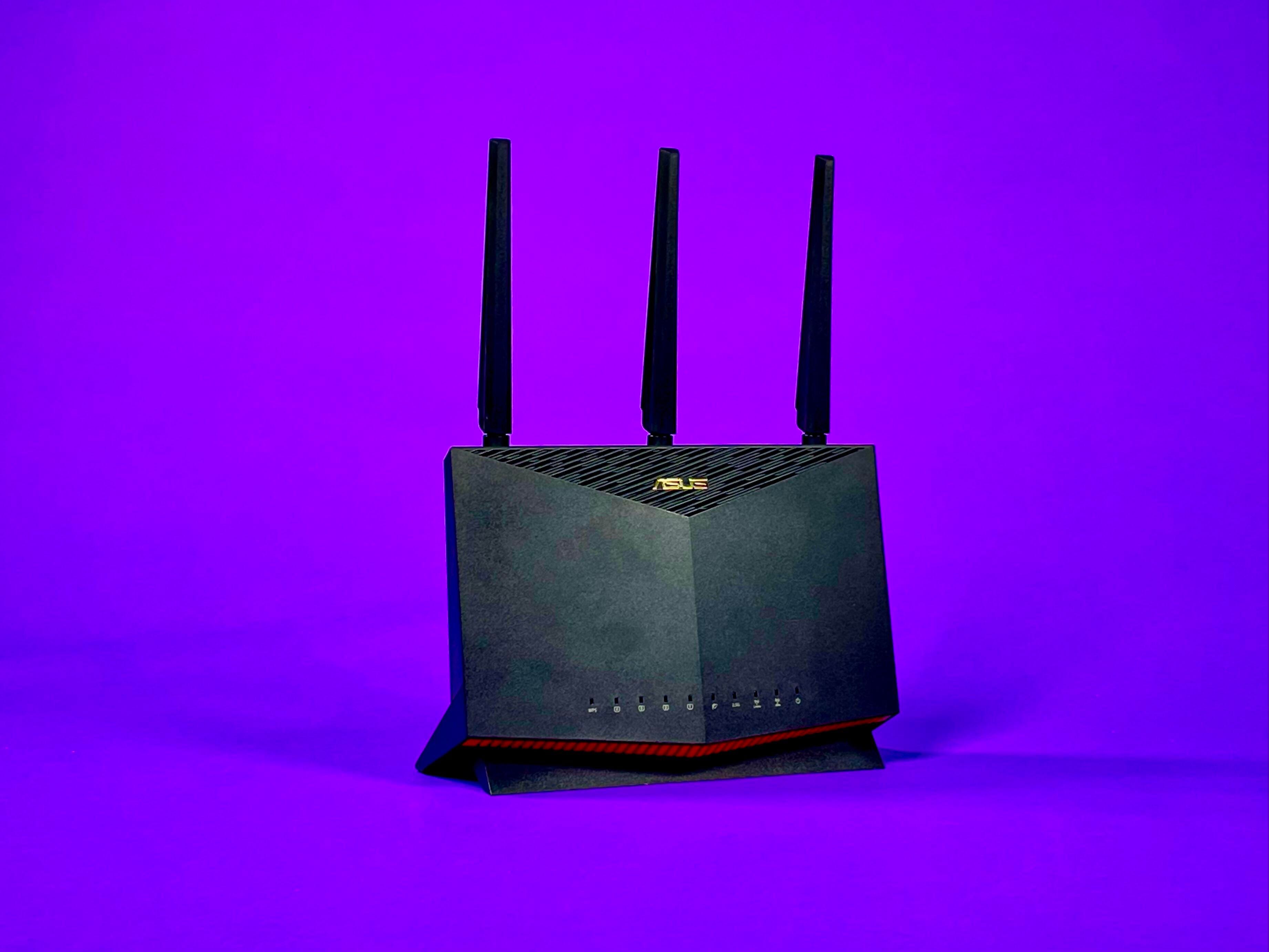
Asus is one of the top names in the gaming router category, boasting the best variety of fast, flashy routers that promise elite performance, low latency, and advanced controls for your connection. The Asus RT-AX86U is one of the more understated routers in that mix — it doesn’t include color-changing lights or an oversized, ostentatious design — but it’s still one of the best gaming routers you can buy. Gaming aside, it’s one of the best Wi-Fi 6 routers you can buy, period.
Along with offering fast, consistent speeds, the RT-AX86U did a better job at managing latency than any other router I tested it against, and it comes with a full suite of tools for optimizing your connection while gaming, including an adaptive quality-of-service engine and an Open NAT database of game- and platform-specific port forwarding rules. There’s even a Mobile Game Mode to instantly prioritize traffic to your phone.
In other words, the RT-AX86U checks all the boxes you’d want from a gaming router (except the color-changing lights, I guess — although you can get it Zaku-styled if you’re willing to spend a little more). Most importantly, it makes strong enough use of Wi-Fi 6 to ensure that even the non-gamers in your household will appreciate having it around.
At this price point, it’s definitely an upgrade pick, but a reasonable one that’s still less expensive than many gaming routers. If you’re thinking about upgrading to a new multi-gig internet plan from AT&T, Frontier, Xfinity, Verizon, Ziply Fiber or another provider offering plans like those, the RT-AX86U equipped with a multi-gig Ethernet jack supporting incoming wired speeds of up to 2.5Gbps.
…Read more
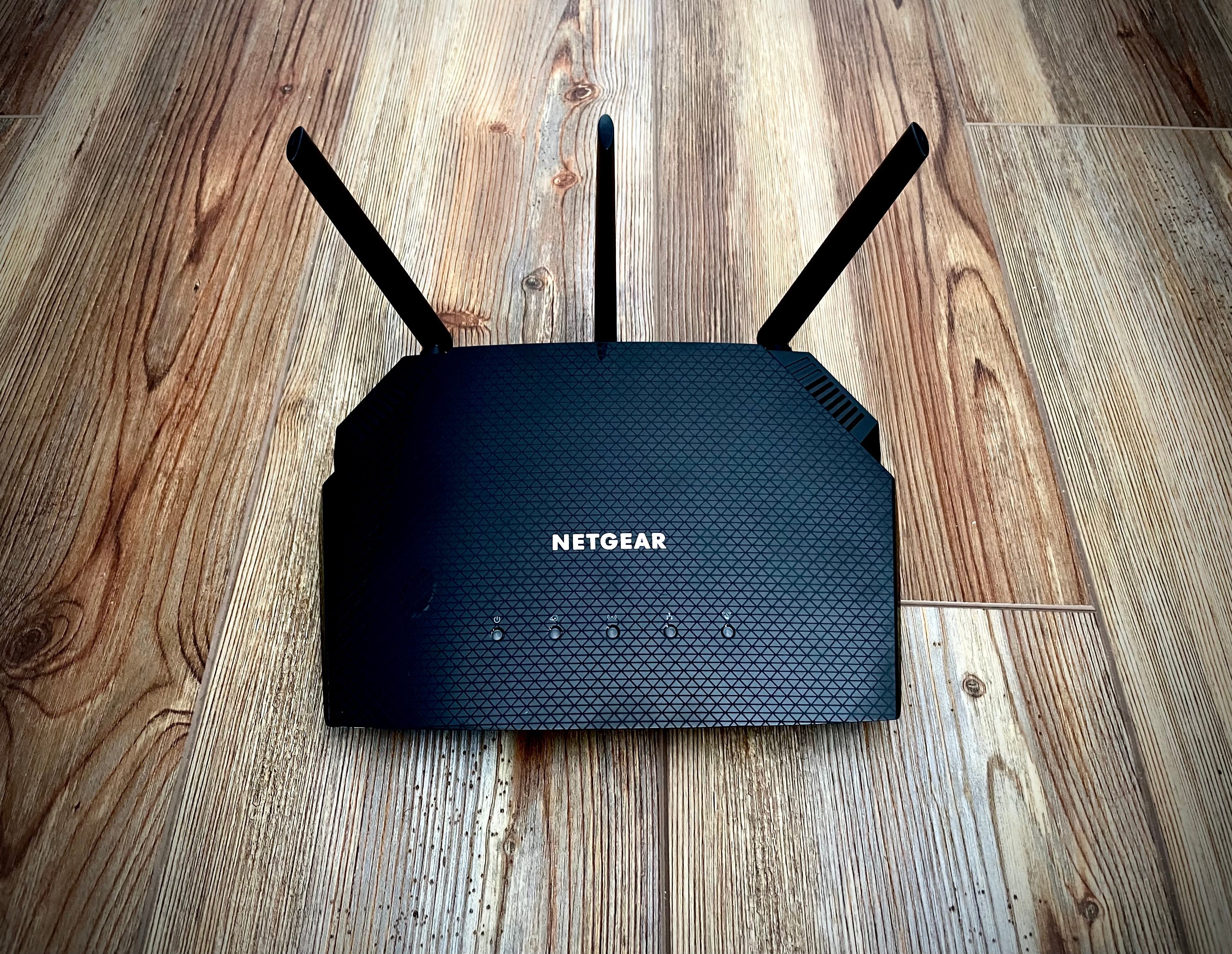
Netgear R6700AX
Best budget router for gigabit networks
Gigabit internet speeds are growing in availability from a wide number of major ISPs, and they’re a great fit with the faster wireless transfer rates of Wi-Fi 6. If you’ve made the upgrade to gigabit internet speeds at home, then you’ll definitely want a Wi-Fi 6 router that can take full advantage of it.
Your best bet would be to go with a true upgrade pick like the Asus RT-AX86U, or a top-rated mesh system — but if you’re on a budget or you just don’t want to spend more than $100 or so, you should move the Netgear R6700AX right to the top of your list. The current prices that are available start at $90, it’s an AX1800 router with full support for Wi-Fi 6 and 5GHz speeds as high as 1.3 gigabits per second.
In our tests on a gigabit network, the R6700AX outperformed comparable models, including the TP-Link Archer AX21, delivering download speeds that averaged in at 591Mbps across a 1,350-square-foot test environment. At close range, those speeds rose as high as 800Mbps. For comparison, the Archer AX21 finished those same tests with an overall average of 435Mbps, and it wasn’t able to hit download speeds any higher than 598Mbps at close range.
…Read more

Netgear Orbi AX6000
Best high-end mesh system
Remember how I mentioned that the TP-Link Deco W7200 outperformed every other mesh router I’ve ever tested except for one? Well, here’s the one that beat it — the AX6000 version of the Netgear Orbi mesh system.
With that all-important tri-band design and full support for Wi-Fi 6, the AX6000 Orbi blew us away with excellent signal strength and downright impressive top speeds when we first tested it out a year or two ago. Those speeds have held up ever since — whether we’re clocking top speeds in our lab or testing real-world speeds at home, literally nothing else I’ve tested performs as well. On top of that, the AX6000 Orbi deserves credit for being one of the first mesh routers to offer a multi-gig WAN port and breaking the bottleneck that capped incoming wired speeds at just a single gig.
Performance like that usually comes at a premium, and sure enough, the AX6000 Orbi costs $800 for a two-pack. Like a Mercedes Benz for the mesh category, it’s more machine than most people need, but there’s nothing wrong with coveting one — or waiting for the rare sale. If it were my money, I’d rather go with that Deco W7200 system and spend the hundreds I’d save on something else, but if you just want the best mesh router performance that we’ve seen in our tests, full stop, money be damned, here it is.
…Read more

Going with a mesh router makes a ton of sense if you live in a large, multi-story home with a lot of space to cover. In cases like that, it’s worth it to prioritize getting a system with more than two devices in the mesh — and Amazon’s Eero 6 Plus gets you there for $300, complete with full support for Wi-Fi 6.
The Eero 6 Plus takes the Eero 6 that preceded it and beefs things up with a faster AX3000 build and new support for full-width 160MHz channels, up from 80MHz. Those wider channels allow the system to move data twice as efficiently to compatible devices, and they made a huge difference in my performance tests, where the 6 Plus finished as a top ten finisher among the thirty or so mesh routers I’ve tested at home. None of the routers that beat its average download speeds can beat its value, and that makes the Eero 6 Plus an excellent pick.
…Read more
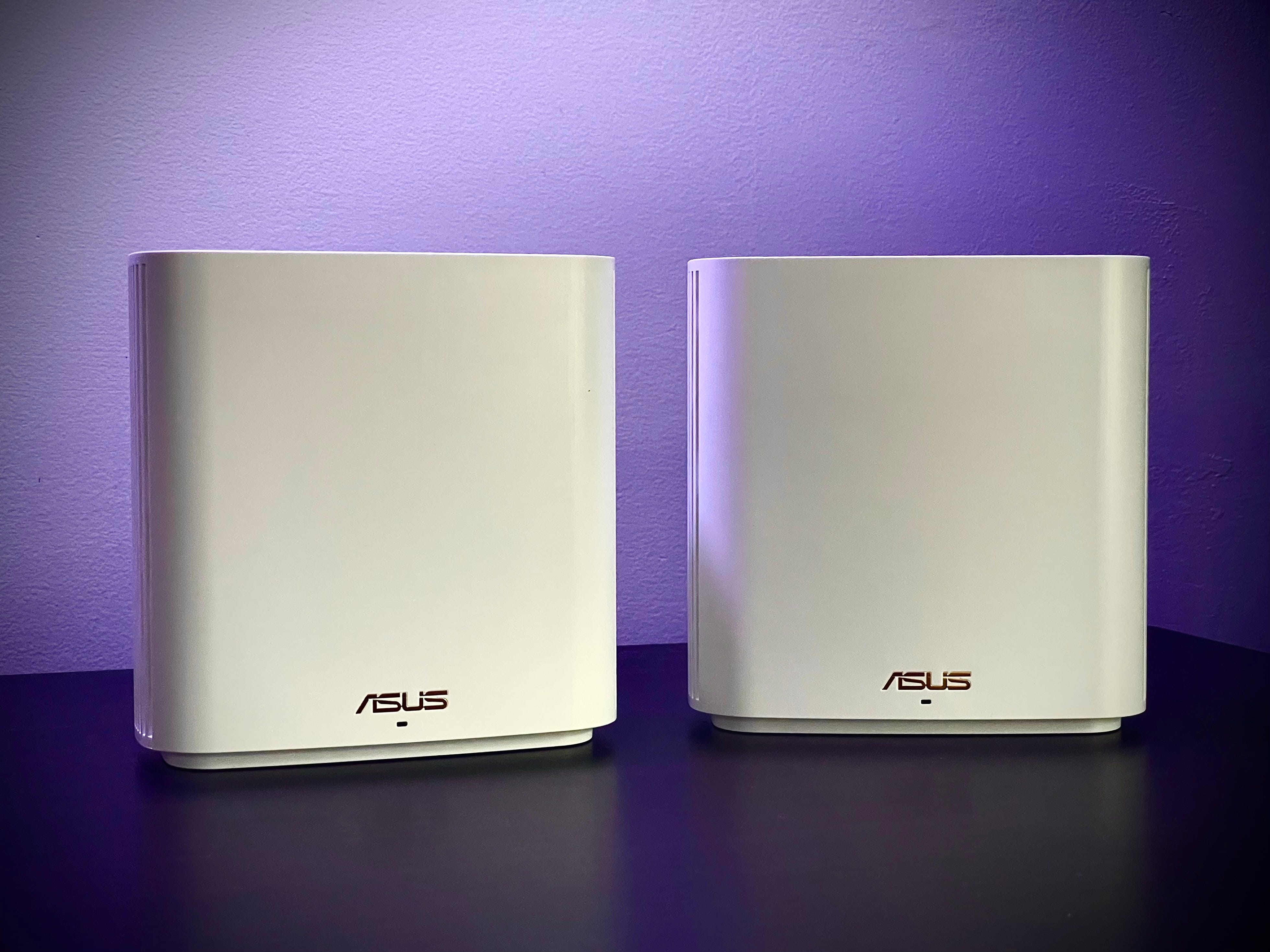
Asus ZenWifi XD6
Best dual-band mesh system
It was a bit too pricey for me to recommend when it launched at $380 for a two-piece setup, but one unit of the Asus ZenWifi XD6 has been marked down to $170, which makes it a better value.
For the money, you’re getting a dual-band Wi-Fi 6 mesh router that performed more like a fancier tri-band model in our tests, and one that was fully capable of optimizing our speeds throughout the entirety of the 5,400-square-foot CNET Smart Home. I’d go so far as to call it the most capable dual-band mesh router I’ve ever tested.
This is a solid mesh router with one of the more comprehensive control apps available from a major manufacturer. That makes it a good pick for intermediate and advanced users who want to fine-tune their home network experience.
…Read more
What devices support Wi-Fi 6?
Almost every new phone and computer release supports Wi-Fi 6, and we’re starting to see support pop up among peripheral devices, too. Did you pick up an Apple TV 4K or Amazon Fire TV 4K Max media streamer for your TV? Both of those support Wi-Fi 6. Have you managed to score a new PlayStation 5 console yet? That’s a Wi-Fi 6 gadget, too.
Wi-Fi 6 devices like those are backward compatible with older routers, but if you want to unlock their full potential for faster, better Wi-Fi performance, you’ll need a Wi-Fi 6 router running your home network.
How we test Wi-Fi 6 routers
Whenever I consider a router, I put it through the same set of comprehensive, controlled speed tests to get a good sense of how it performs compared to other models. Throughout the pandemic, we ran those tests out of my 1,300 square-foot home in Louisville, Kentucky, but last year, we were able to move those tests back into the CNET Home test lab, where we’ve set up a 1,350 sq. ft. test environment with a gigabit fiber connection.
There are five rooms in that test space, so after setting the router up in the first of them, I run a battery of speed tests in all of them to get a sense of the average speeds at various ranges. For each set of tests, I start in the same room as the router with my test device, a Lenovo ThinkPad Wi-Fi 6 laptop. I connect to the router’s network, then I run three-speed tests and record the results for upload speed, download speed and latency. Then I move to the next room and repeat.
Once I’ve finished in the fifth room, which is farthest from the router, I restart my connection and repeat all of those tests in reverse room order. This approach gives me a good sense of how the router’s performance differs when the connection starts up close as opposed to when it starts at a distance, as this can often impact your speeds. I repeat this entire process three times, during morning, afternoon, and evening hours. I’ll typically also run dedicated test runs to check the speeds on individual bands, or if the router offers any unique performance settings. In total, it adds up to hundreds of speed tests and multiple days of work for each router I review.
Which Wi-Fi 6 router is right for me?
There are three main things to consider first as you’re dialing in on a new router: the speed of your home’s internet plan, the size of your home, and the number of Wi-Fi devices under your roof that need a reliable connection. If you’re living in a small- to medium-sized home with internet speeds of 500Mbps or less, and you just need a reliable signal for your phone, laptop and streaming device, then a simple pick like the TP-Link Archer AX21 or the Netgear R6700AX should offer plenty of bandwidth and range to suit your needs. The two are largely indistinguishable unless your home has a high-speed connection, and the AX21 typically costs a little less, so I’d recommend starting there.
If you’ve got a house filled with smart home devices, or multiple family members who each make regular use of your Wi-Fi with a variety of gadgets, or if you’ve just upgraded your internet plan to add in gigabit speeds, you should probably consider a router with greater bandwidth potential. The tried-and-true Asus RT-AX86U is the one I’d probably recommend first because it’s been a regular standout through multiple rounds of CNET tests, including full rounds of tests on three separate networks at three separate locations.
If you’re living in a larger home, especially a multistory home, it’s worth considering stepping up to a mesh router like the Eero 6 Plus, the Asus ZenWifi XD6, or the TP-Link Deco W7200. Those multiple mesh devices will help ensure a better, more reliable signal throughout the entirety of your home. You could also consider splurging on a mesh powerhouse like the Netgear Orbi AX6000, but at a cost of several hundred dollars, it’s probably overkill for most homes.
Are there alternative Wi-Fi 6 routers worth considering?
CNET has yet to test these models, but Wi-Fi 6 routers — such as the TP-Link Archer AX50 and the Synology RT660ax — are two models worth noting. TP-Link is home to many Wi-Fi routers, but one notable yet less recognized router is the Archer AX50. This dual-band gigabit Wi-Fi 6 router reaches speeds of up to 3Gbps. If you’re on a budget and looking for an affordable option, this might be for you. It’s currently priced at $54 on Amazon. If you’re looking for more value in your router, the Synology RT660ax is a top contender. This tri-band router features a quad-core of 1.8 gigahertz, delivering high speeds of up to 6.6Gbps for multiple devices in your home. Unlike some routers, the Synology RT660ax has granular management tools, allowing you to implement parental controls and web filtering for your network.
Recap on Wi-Fi 6 routers
The best Wi-Fi 6 router for most people will be the TP-Link Archer AX21. Its simplicity and easy-to-use app controls outperform most Wi-Fi 6 routers today. If you live in a small to medium-sized home, the Archer AX21 might be the one for you. If you live in a large home, mesh routers such as the Eero 6 Plus and TP-Link’s Deco W7200 might be better. Unlike the Archer AX21, mesh routers are faster, more reliable and signal across a larger area than a single router. The bottom line? The right router for you will depend on what is most suitable for your household size and needs.
Wi-Fi 6 router FAQs
What is the best budget Wi-Fi 6 router?
The Netgear R6700AX is the best budget Wi-Fi router for gigabit networks. It’s currently available for under $90. This AX1800 router supports Wi-Fi 6 and can deliver speeds up to 1.3Gbps. Our tests show that the R6700AX outperformed models such as the TP-Link Archer AX21. If you currently have gigabit internet speeds at home, this router should be at the top of your list.
What Wi-Fi router has the best range?
The Eero 6 Plus is the best option to cover a lot of space. Mesh routers like the Eero 6 Plus typically offer a larger range, especially if you live in a multi-story home. The Eero 6 Plus is built with wider channels, enabling data to move to different devices more efficiently. This is currently priced at $300 on Amazon.
When will Wi-Fi 7 be readily available?
According to the Wi-Fi Alliance, more than 233 million Wi-Fi 7 devices are expected to enter the market in 2024. This number is expected to grow to 2.1 billion devices by 2028. While you might be looking forward to trying Wi-Fi 7’s new features, many phones, laptops and gaming systems are not yet Wi-Fi 7 enabled. We’ll likely see more devices supporting Wi-Fi 7 by the end of 2024.
What are the disadvantages of Wi-Fi 6 routers?
The disadvantages of Wi-Fi 6 routers are the cost and slower speeds for older devices. For example, the starting price for the routers on our best list ranges from $90 to $800. There are affordable options available. The Netgear R6700AX, priced under $90, is one of them. For the most part, some Wi-Fi 6 routers are expensive. In addition, if you plan to use previous-gen 802.11 devices, expect slower speeds.
What makes Wi-Fi 6 better than before?
Wi-Fi 6 includes support for new Wi-Fi features that help devices pass data back and forth faster and more efficiently. One of the key upgrades is 1024-QAM, which stands for quadrature amplitude modulation, or the trick your router uses to send radio waves that other devices can read as a series of ones and zeroes — the binary code that makes up everything you see, read and experience online. 1024-QAM allows your router to send out 10 digits of binary code with each transmission, compared to eight digits of binary from Wi-Fi 5 routers that use 256-QAM. That’s one of the key reasons why Wi-Fi 6 offers top speeds that are roughly 30% faster than before.
Read more
Show more
Are Wi-Fi 6 and Wi-Fi 6E the same thing?
Will older devices still work with a Wi-Fi 6 router?
Yes; Wi-Fi 6 is fully backward compatible, so earlier-gen Wi-Fi devices will still be able to connect to them and get online. They just won’t be able to take advantage of the new Wi-Fi 6 features that speed things up for current-gen devices.
Show more
