

share
Public WiFi networks are extremely useful for frequent commuters, hybrid workers, and people who want quick access to social media and email on the go.
However, open WiFi can also pose security issues that can lead to the disclosure of personal information.
Free Wi-Fi networks you encounter at airports, hotels, coffee shops, and other public spaces can all pose a threat to your data. To help protect you, we’ve teamed up with the connectivity experts at Bionic to put together some top tips when using public WiFi.
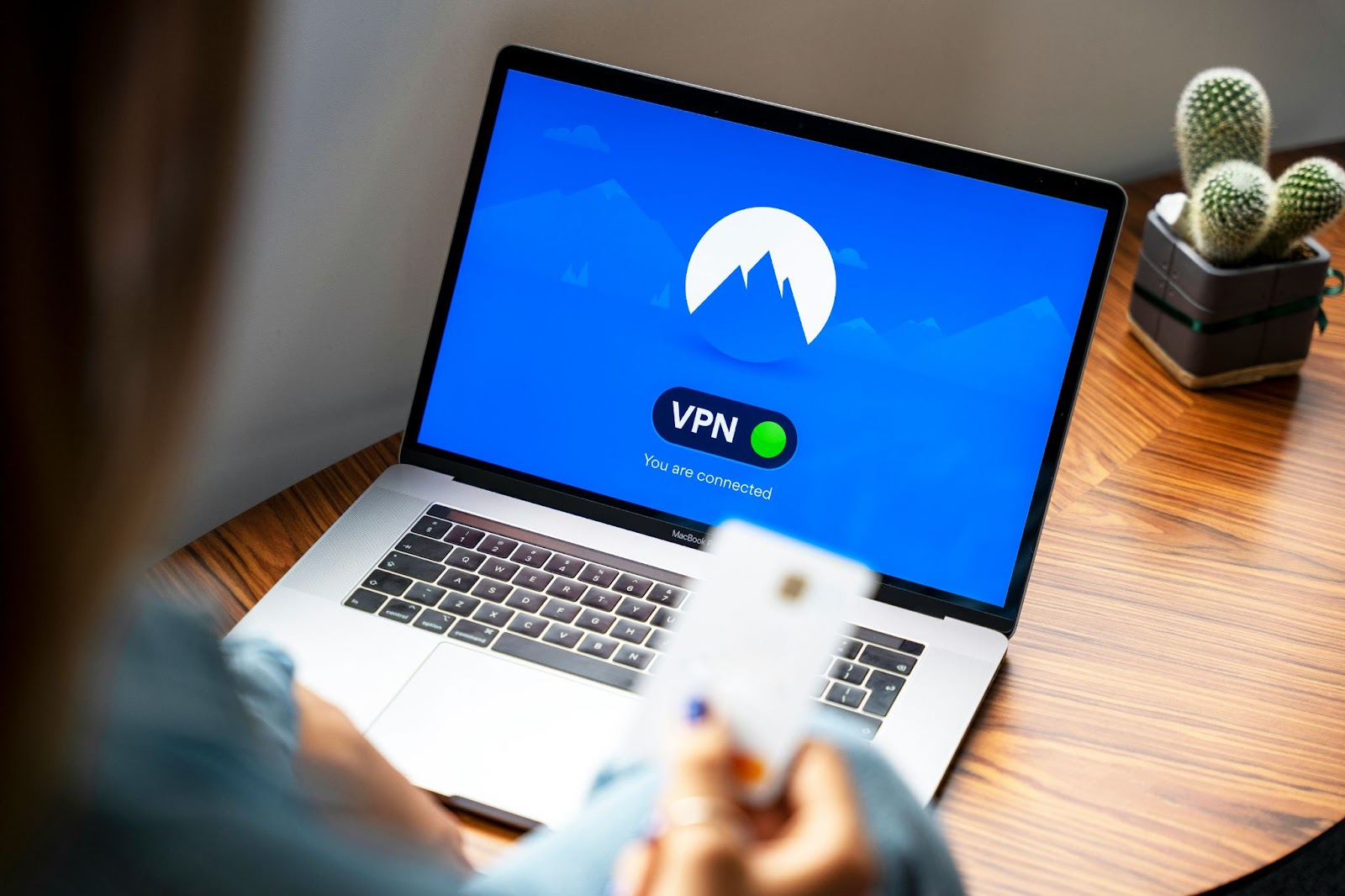
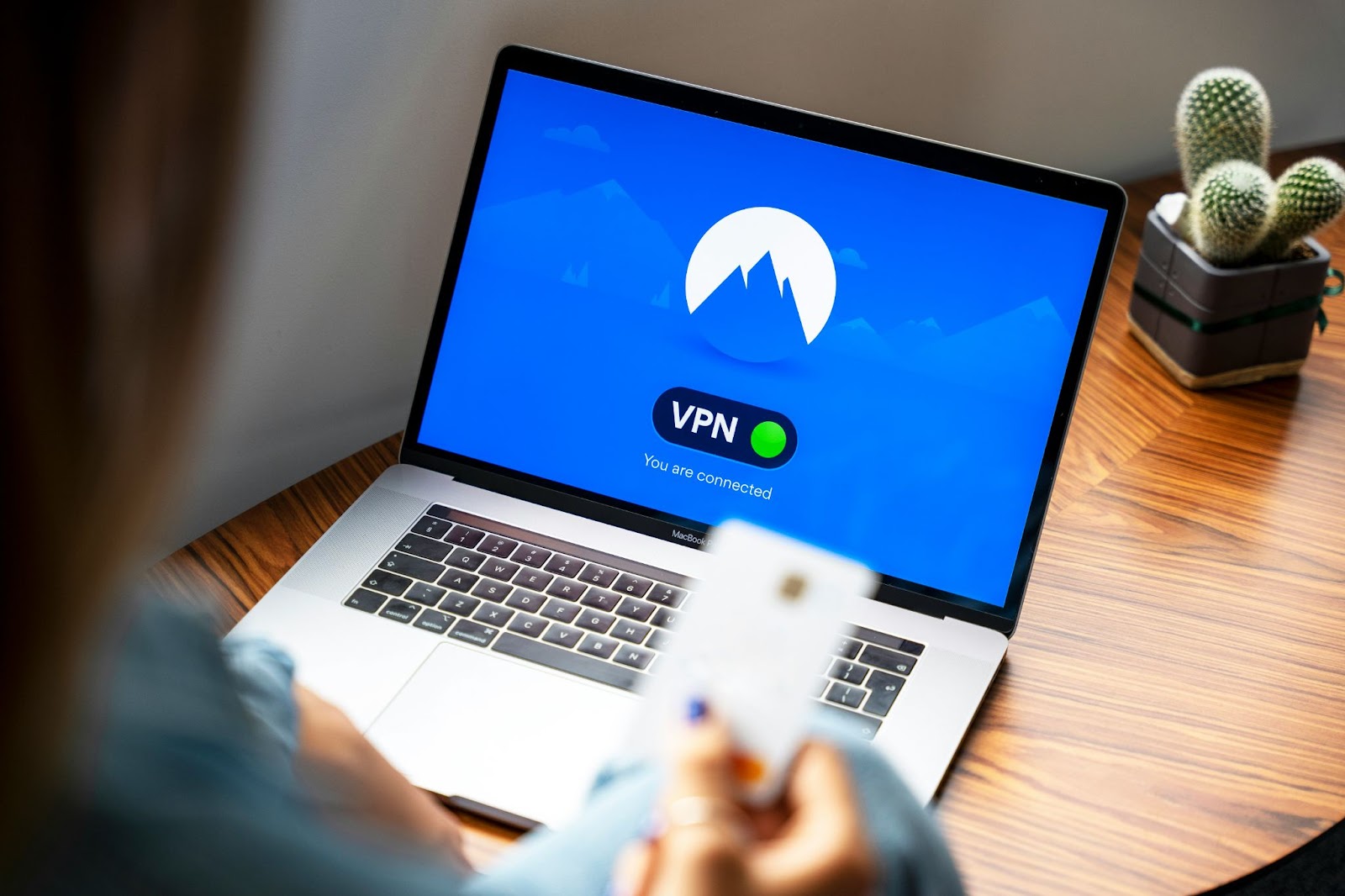
1. Use a virtual private network (VPN)
a VPN encrypts your internet connection, provides an additional layer of security to prevent other users on the same network from intercepting your data. Using a VPN is especially important if you want to access sensitive information such as bank account details or sensitive work emails.
2. Disable automatic connection
of Automatic connection function Your device will now be able to connect to available WiFI networks. Cyber hackers often clone the name of an existing network, so if you connect automatically, you may not be careful enough to know that it’s not a trusted server. To control which networks you join, it’s wise to turn off this feature on all your devices.
3. Check website security
In most cases, you should not visit HTTP sites on public networks. HTTP sites do not encrypt data. When using open Wi-Fi networks, make sure the website you’re using is secure before entering personal information such as passwords or card details. Secure websites are marked with a padlock icon in the search bar, so always check this when browsing on public Wi-Fi.
4. Utilize two-factor authentication (2FA)
2FA is a security method that requires two forms of identity checking. Enabling 2FA whenever possible will further increase the security of your online accounts. Even if your password is compromised, 2FA provides an additional barrier to cyber hackers trying to access your data and resources.
5. Keep your software up to date
stop selecting “Don’t install” or “Notify me tomorrow” options If your device needs an update. Regularly updating your operating system, antivirus software, and other applications minimizes security vulnerabilities and reduces the risk of exploitation by malware and hackers.
Les Roberts, connectivity expert at comparison site Bionic, says:
“It is important to understand that no Wi-Fi network is completely risk-free, and the safety of your personal information is highly dependent on the type of Wi-Fi network you are using.
“General security measures, such as not using the same password on multiple sites, can be your biggest savior when all else fails. However, a secure and reliable connection Until you have access, it is important that you exercise caution and refrain from engaging in sensitive transactions or confidential conversations.
“If your device is running slowly, showing unexpected pop-ups, or has unfamiliar processes running in the background, it could be a sign of malicious malware or a hacking attempt. , immediately disconnect from the internet, run an anti-malware scan, and change your password.”
